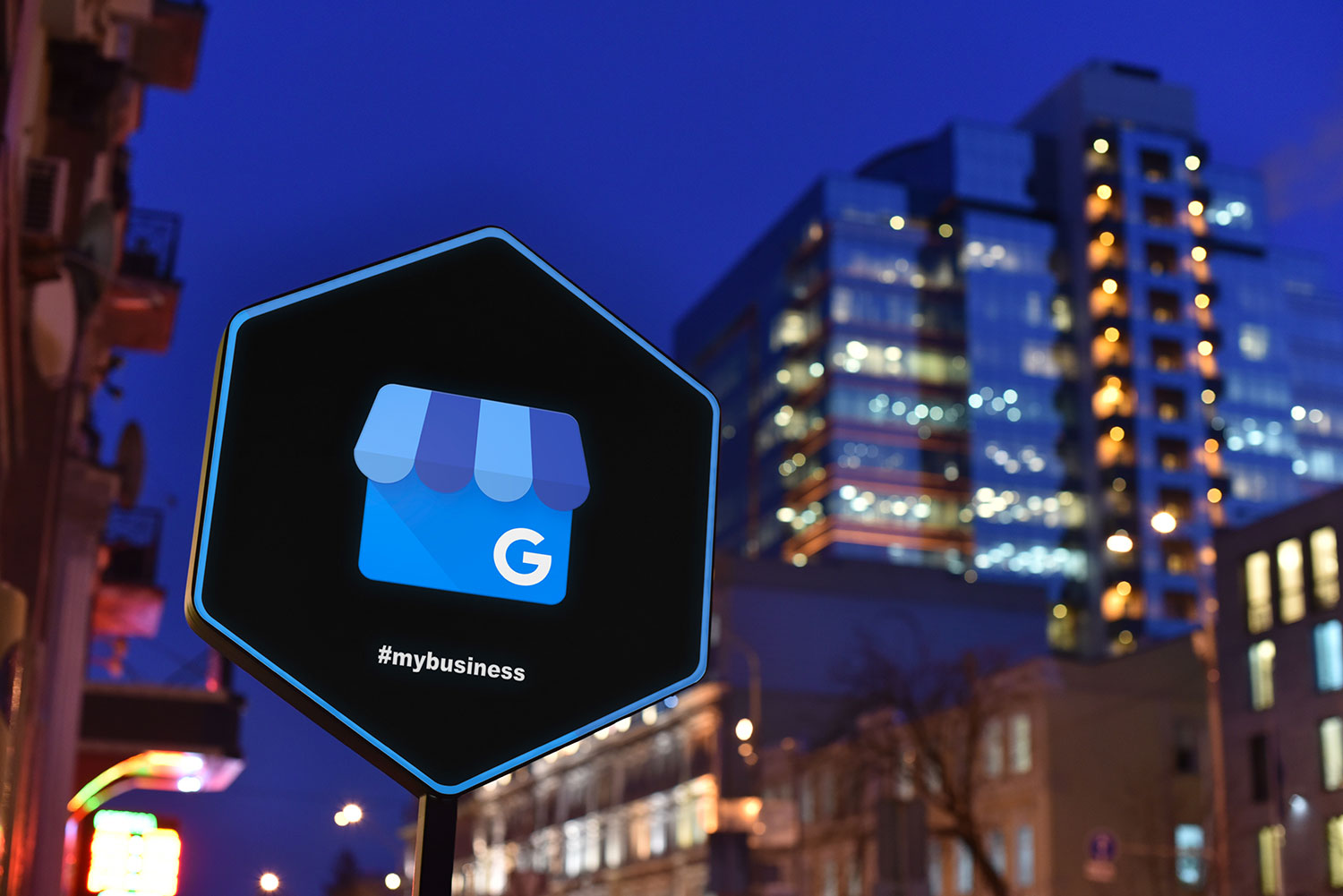
On Google Maps, customers are starting to see a new button on profiles labeled 'Message'. This button is becoming more prominent and a lot harder to ignore. Moreover, Google is piloting an AI agent that answers those messages for you. So the real question isn't whether customers will message you. It's who is answering them, and whether they are getting the right information.
What changed with Google Business Profile messaging
On November 6, Search Engine Roundtable reported that Google moved business messaging front and center in Google Maps (Search Engine Roundtable). The news came from Google's monthly Small Business Bulletin, posted in the Google Business help forums (Google Business Profile Community). Customers on both Android and iOS now see a Message button right next to Call.
Before this, chat was basically hidden. Google's own post admitted that "finding chat on Maps required scrolling deep down into your profile." Now the button shows up in the profile, the expanded header and the bottom action bar. Tapping it sends customers to the channel the business picked, including WhatsApp and SMS text.
In other words, your Message button now sits at the same eye level as your phone number. For customers who would rather text than call, that's a big upgrade.
Google is adding chat channels on its own, too
Maps isn't the only place this is happening. In early October, Google was spotted showing WhatsApp buttons in the local panel on Search, sometimes in place of the chat button (Search Engine Roundtable). Then, in late October, Google emailed businesses to say it was automatically adding Facebook Messenger m.me links to their profiles (Search Engine Roundtable).
Yes, that means Google may wire up a new chat line to your business without asking first. Thoughtful? Sure. Slightly terrifying if nobody on your team checks Messenger? Also yes.
The AI agent pilot for Google Business Profile messaging
Here's the bigger twist. Google appears to be opening its AI-powered messaging pilot to more businesses (Search Engine Roundtable). According to Google's description, the agent "will answer routine questions from customers, instantly and at no cost." Questions it can't handle get passed to the business. Owners can also take over any conversation, and every message stays in the Business Profile.
This didn't come out of nowhere, either. Back in June, a Messages tab with a section labeled "Handled by your AI agent" briefly appeared on profile dashboards (Search Engine Roundtable). It vanished after a few hours, which suggests Google flipped the switch a little early.
Read the fine print
There are catches, though. A LinkedIn post cited by Search Engine Roundtable says the AI agent only works for customers whose phones and networks support RCS. Everyone else's texts go straight to the owner's phone, and standard text rates may apply. Google also calls this a pilot, so plenty of businesses can't see it yet.
The same post makes a sharp point: the agent can only answer as well as your profile does. Translation? If your listing says you're open Sunday and you're not, the robot will cheerfully tell customers to come on by.
Why this matters more than one new button
On its own, a Message button sounds minor. However, Google is also testing a version of the AI Overview local pack that drops action buttons, reviews and photos (Search Engine Roundtable). As Search Engine Roundtable noted, that version makes it harder for searchers to call a business or visit its website.
Put those together and the pattern is pretty clear. Google wants more of the customer conversation to happen inside Google. Your Business Profile is slowly becoming a storefront, a receptionist and, apparently, a chatbot. That also overlaps with AI search optimization, since AI-generated answers pull from the same profile data.
As a result, a message nobody answers is a lot like a phone that rings and rings. The customer doesn't leave a voicemail. They just tap the next listing.
How to set up Google Business Profile messaging the right way
You don't need to panic. You do need a plan, so here's a practical checklist.
- Check your chat setting. Google's help doc says verified profiles can add WhatsApp or text messaging under Edit profile, then Contact, then Chat (Google Business Profile Help). If you add both, only the text option shows to customers.
- Know that availability varies. Google says chat options are available only in select regions. Therefore, don't be shocked if your profile doesn't offer every option yet.
- Audit every channel Google shows. Search your business on Search and Maps, and look for Message, WhatsApp and Messenger buttons. Then make sure a real human monitors each one.
- Clean up your profile before any AI touches it. Hours, services, holiday hours and menus all feed the answers. This is core local SEO work anyway.
- Pick who takes over. If you join the AI pilot, assign one person to handle the questions it hands off.
- Treat messages like reviews. Both are conversations that shape how people see you, so both deserve fast, friendly replies.
- Track the results. Google's help doc points to chat performance metrics, so check them monthly instead of guessing.
Get your Google Business Profile messaging ready
Google keeps adding ways for customers to reach you without ever visiting your website. That's great news if you answer fast and your profile is accurate. It's less great if your listing still shows last year's hours. For more on why your profile matters so much, read why local SEO is the lifeline for small businesses in Galveston and Houston.
Site Ascension runs local SEO and Google Ads for Texas businesses, and we build and maintain WordPress sites. If you want a second set of eyes on your profile before Google's AI starts talking for you, request a free audit.
