
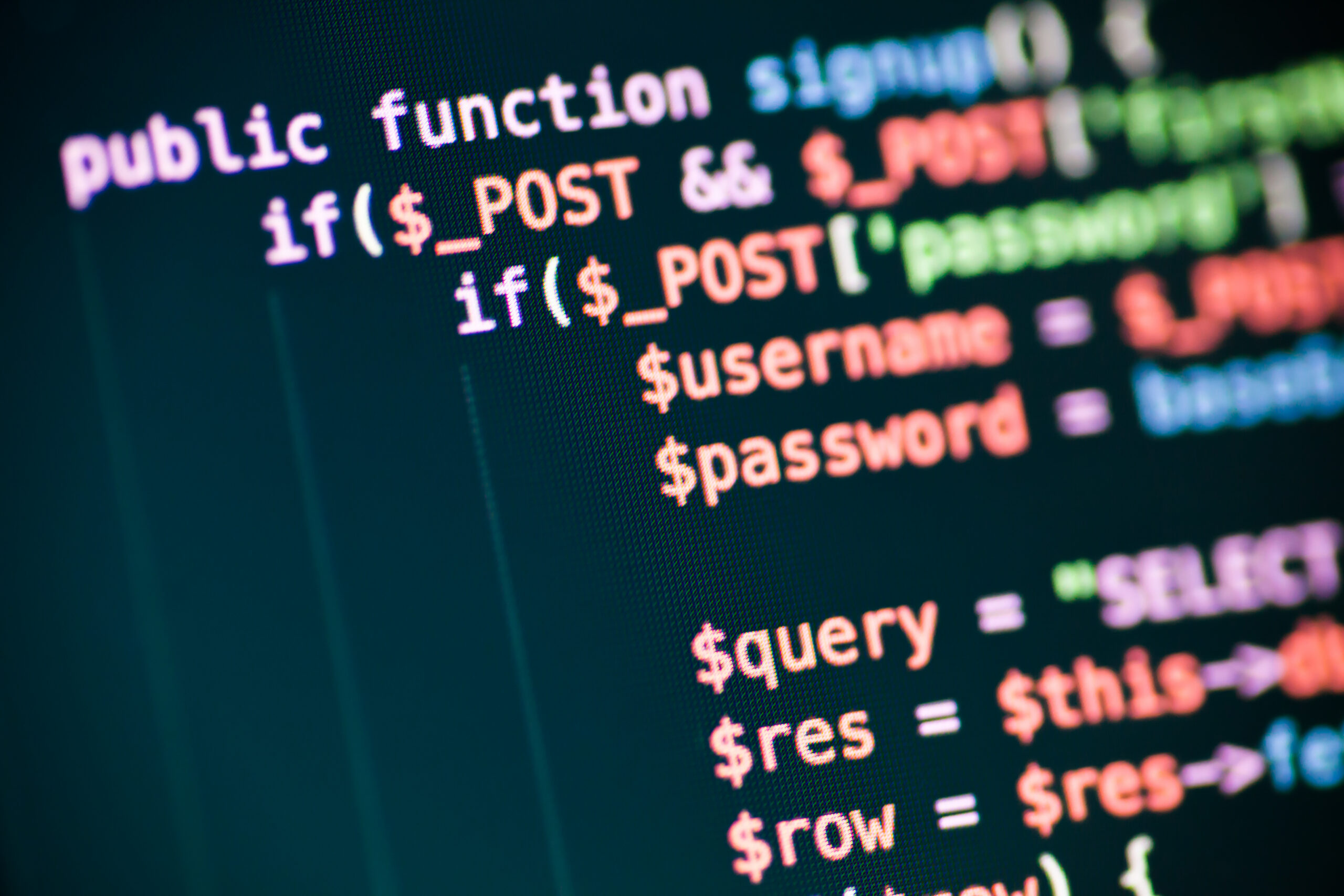
If your website got a PHP update in late October, PHP2Shell is the reason. It was a pair of critical security flaws in PHP itself, the language that runs WordPress and a huge share of the web. Attackers did not need a password to use them. In other words, this was not a "get to it next quarter" update. Here is what happened, why the patch could not wait, and the second deadline coming on December 31.
First, what is PHP?
PHP is the programming language running behind most websites. It powers up to 80% of sites on the internet, including WordPress, Drupal and Joomla (BleepingComputer). You never see it, but every time someone loads your WordPress site, PHP builds the page.
Think of WordPress as the house and PHP as the foundation. You can repaint the house every week. However, if the foundation cracks, the new paint won't help.
What happened with PHP2Shell
On October 20, 2026, the PHP security team posted an unusual advance warning. It said an emergency release was coming the next day for two critical flaws, both rated 9.2 out of 10 (PHP.net). Details then leaked before the fix was even out (Vincent Schmalbach).
The patches arrived on October 21. PHP said the flaws could allow unauthenticated remote code execution (PHP.net). Translated from security-speak, that means a stranger could run their own code on your server without logging in.
| Date | What happened |
|---|---|
| Oct 17 | Amazon logs the first known exploit attempt on its honeypot network |
| Oct 20 | PHP warns that an emergency security release is coming |
| Oct 21 | PHP 8.5.12, 8.4.27, 8.3.36 and 8.2.35 fix both flaws |
| Oct 23 | PHP discloses a third, rarer session flaw with a temporary workaround |
| Dec 31 | PHP 8.2 reaches end of life |
The fixed versions are PHP 8.5.12, 8.4.27, 8.3.36 and 8.2.35. Anything older on those branches is still exposed (PHP.net). Then, two days later, PHP disclosed a third issue tied to the same session feature. It only affects an unusual setup, and PHP recommends turning off a setting called session upload progress until the next regular release (SecurityOnline).
Why PHP2Shell was such a big deal
Three things made this one serious.
No login required. Most attacks need a stolen password or a weak plugin. PHP2Shell went after the engine underneath everything.
Attackers were early. Amazon Threat Intelligence logged an exploit attempt on October 17. That was four days before the patch existed (BleepingComputer). Within hours of release, Amazon also saw several working proof-of-concept exploits from different sources (AWS Security Blog).
The scale was enormous. VulnCheck counted about 2.6 million internet-facing servers running PHP. Over 700,000 ran versions older than 7.4, and another 400,000 ran 7.4, 8.0 or 8.1 (The Hacker News). None of those older versions get an official fix.
To be fair, the early picture was attempts, not confirmed break-ins. As of October 21, CISA had not seen exploitation, and Huntress had not confirmed a successful attack on customer systems (Implicator). Still, nobody serious waits for confirmed break-ins before patching a 9.2.
What WordPress said about PHP2Shell
WordPress did not ship an update for this, because the problem was in PHP, not in WordPress, themes or plugins. Instead, the WordPress project urged owners of self-hosted sites to update PHP right away (Cybernews).
That detail matters more than it sounds. Clicking "update all" in your WordPress dashboard did nothing for PHP2Shell. The fix had to happen on the server.
The other deadline: PHP 8.2 ends December 31
PHP2Shell is the emergency. However, there is also a scheduled problem. PHP 8.2 reaches end of life on December 31, 2026, and after that it gets no security fixes at all (Xictron).
That affects a lot of sites. As of late September, about 24.5% of WordPress sites reporting to WordPress.org ran PHP 8.2. In total, about 62% ran 8.2 or older (Xictron).
So picture the next PHP2Shell arriving in February. Sites on 8.3 or newer get a patch. Sites on 8.2 get a shrug. For that reason, a site that is still on 8.2 should plan its move to 8.3 or 8.4 now, not in late December.
Some hosts won't give you a choice anyway. WP Engine, for example, removes PHP versions from its servers once they reach end of life and upgrades the sites automatically (WP Engine). That's good for security, but only if your plugins are ready for the new version.
Why PHP updates sometimes break things
If PHP updates are so important, why doesn't everyone just click the button? Because a PHP upgrade changes the ground under every plugin and theme at once. Older code that leaned on retired PHP features can throw errors or stop working.
The fix is boring, and it works. First, copy the site to a staging environment. Next, switch the copy to the new PHP version and click through it. Then check the error log for warnings before you touch the live site. WP Engine also offers a free PHP Compatibility Checker plugin that scans plugins and themes against a target version (WP Engine).
Skipping staging is how a five-minute update turns into a Saturday.
How to check if your site is protected
You don't need to be a developer to see whether PHP2Shell still affects you. Here is the short version:
- Find your PHP version. In WordPress, go to Tools, then Site Health, then Info, and open the Server section.
- Compare it to the patched list. You want 8.2.35, 8.3.36, 8.4.27, 8.5.12 or newer. If you see 8.1 or lower, no official patch exists for you.
- Ask your host. Many hosts patched servers for their customers. Get a clear yes in writing rather than assuming.
- Turn off upload progress if you don't use it. PHP recommends setting session upload progress to off until its next release (SecurityOnline). Uploads still work; only the progress tracking stops.
- Plan your move off PHP 8.2. Test 8.3 or 8.4 on staging before December 31.
How we handle PHP updates
For what it's worth, siteascension.com already runs patched PHP 8.4 with session upload progress turned off. For the websites we host and maintain, we check the PHP version, confirm the patch, and test every upgrade on staging before it touches the live site.
If you're not sure what your site runs, we can check it for you. Take a look at our managed hosting and web design services, read our post on WordPress security in 2026, or contact us. We'll tell you plainly whether you need to worry, and we promise not to say "foundation" more than twice.
