
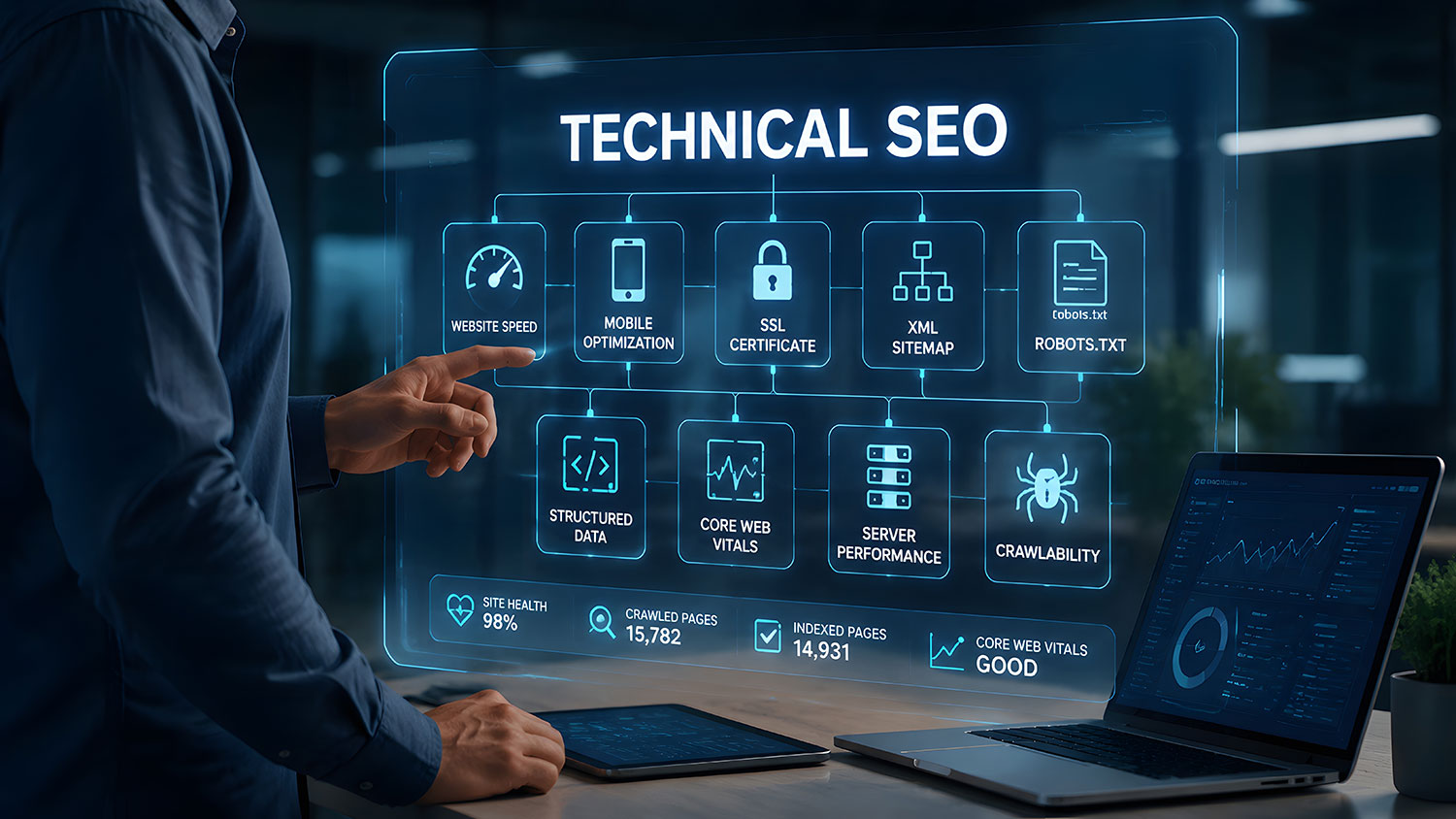
Technical SEO is the pillar of SEO nobody brags about at dinner parties. It's the wiring behind the walls. However, when it breaks, there is nothing there to hold up the site so it can be found. Google can't rank a page it can't find, load, or trust.
So let's open the walls and look at the wiring, minus the jargon.
What technical SEO actually means
Technical SEO covers everything that helps search engines crawl, index, and understand your site. In other words, it isn't your words or your reviews. It's whether the machine can get in the door at all.
It's also the first of three pillars that hold up every ranking. The other two are on-page SEO, which is what your pages say, and off-page SEO, which is what the rest of the internet says about you. We lay out all three on our local SEO page.
Google's own starter guide says the vast majority of new pages it finds come through links from pages it already knows (Google Search Central). As a result, a page nobody links to is a page Google may never meet.
The technical SEO checklist that actually matters
1. Can Google find your pages?
Start with internal links. Every important page should be reachable from your menu or from a related page. Next, give Google a sitemap. Google calls sitemaps optional (Google Search Central), but most WordPress SEO plugins build one for free, so there's no excuse.
Then check robots.txt, the small file that tells crawlers where not to go. One wrong line can hide an entire website. Finally, search Google for site:yourdomain.com and see what actually shows up.
2. Is there one version of each page?
Duplicate content isn't a spam violation. Still, Google says it creates a poor experience and wastes crawling (Google Search Central). The fix is boring and effective. Redirect duplicate URLs to the one you prefer, and use a canonical tag when you can't redirect.
3. Is the site fast and stable?
Google measures real-world experience with Core Web Vitals. A page passes when Largest Contentful Paint is 2.5 seconds or less. Interaction to Next Paint needs to be 200 milliseconds or less, and Cumulative Layout Shift 0.1 or less (web.dev). Each one is measured at the 75th percentile of real visits.
Also, if you're still chasing First Input Delay, you're a little behind. INP replaced it in March 2024 (Ahrefs). Meanwhile, a hero image that takes five seconds to load isn't a vibe. It's a problem.
4. Does it work on a phone first?
Most local searches start on a phone. Therefore, buttons need to be easy to tap, and text needs to be readable without pinching. Your phone number should be one tap away, not hiding in the footer like it owes somebody money.
5. Does Google understand what you are?
Structured data, also called schema, labels your business name, address, services and reviews in a format machines read easily. It doesn't guarantee anything. Even so, it removes guesswork, and guesswork is never your friend.
6. Is it secure and up to date?
HTTPS is table stakes. Outdated plugins and old PHP versions are worse than slow, because they leave the door open. We covered what's targeting sites right now in WordPress security in 2026, plus why that PHP update couldn’t wait.
7. Did a redesign quietly break everything?
Redesigns are where rankings go to die. When old URLs change without redirects, Google treats the new site like a stranger and starts from zero. So before any rebuild, map every old URL to its new home. After launch, watch Search Console closely for a few months.
Speaking of Search Console, it's free, and it's the closest thing you'll get to Google's own opinion of your site. The URL Inspection tool shows how Google renders a page (Google Search Central). Also, make sure your CSS and JavaScript aren't blocked, or Google may see a very different page than your customers do.
Technical SEO is also your ticket into AI answers
Here's the part most people miss. Google says its generative AI features are rooted in its core Search ranking and quality systems (Google Search Central). On top of that, there are no extra requirements to appear in AI Overviews or AI Mode (Google Search Central).
In plain English, if Google can't crawl your page, its AI can't quote it either. That's why technical SEO sits underneath everything we do for AI search visibility.
What to do this month
- Search site:yourdomain.com and look for missing pages or junk you forgot existed.
- Run your homepage and your top service page through PageSpeed Insights.
- Open the Pages report in Search Console and fix anything marked not indexed that should be.
- Make sure each service lives at one URL, not three.
- Update WordPress, your theme, your plugins and your PHP version.
Get the wiring checked
Technical SEO is the pillar you can't see, which is exactly why it gets ignored. We build and maintain WordPress sites, host them on WP Engine and GoDaddy, and run the SEO on top. Want to know what's broken behind your walls? Request a free audit and we'll show you.
